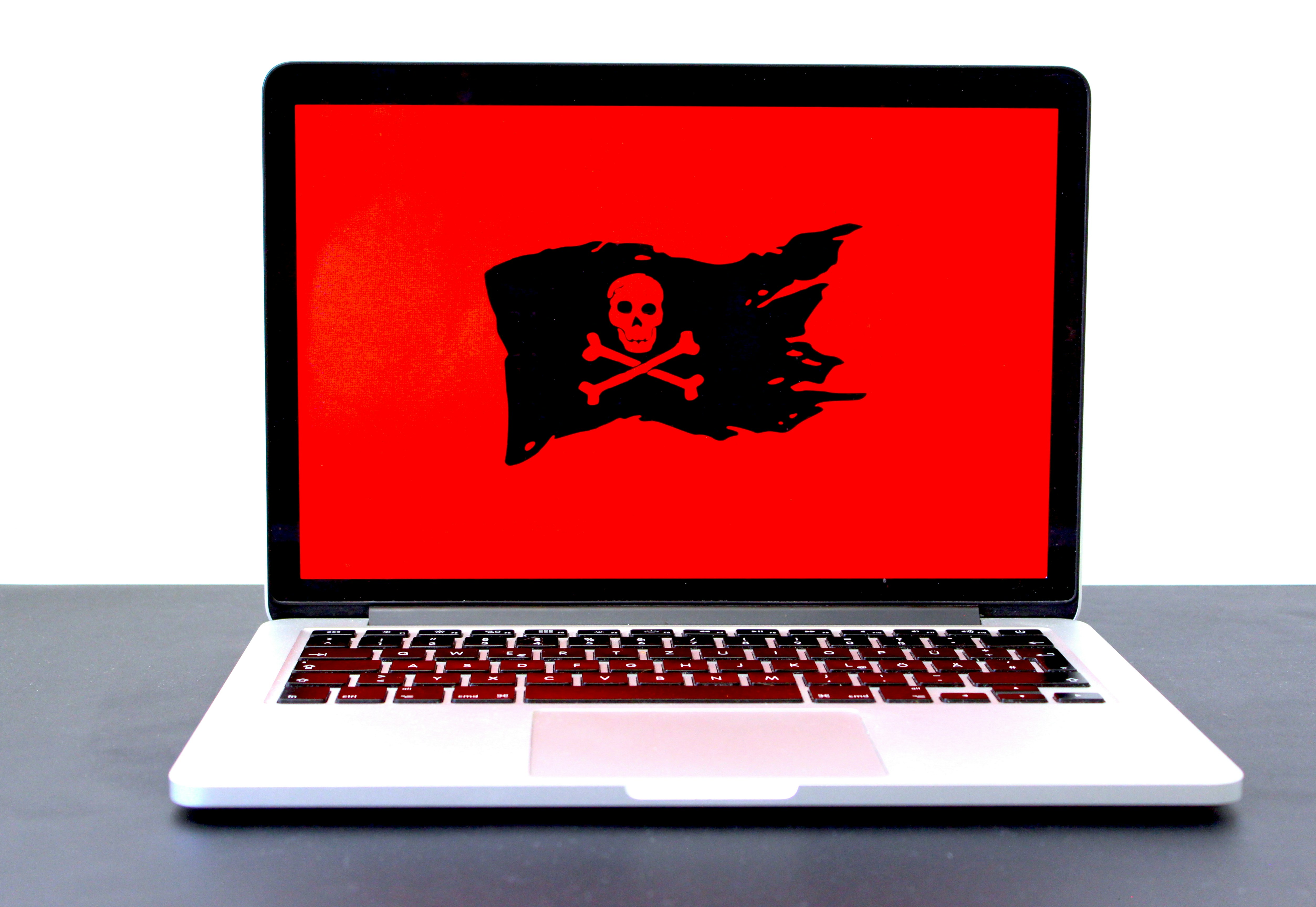
Whether you’re a student at Texas Tech, a small business owner in the Depot District, or just someone who enjoys scrolling the web at a local coffee shop, your computer is your lifeline. But in 2026, that lifeline is under constant attack.
At Lubbock Computer Professional Repair (cprlbk.com), we’ve seen a massive shift in how malware operates. It’s no longer just about annoying pop-ups; it’s about sophisticated, AI-driven threats that want your data, your identity, and your money.
Here is what you need to know about the dangers of malware and how to stay protected in the modern digital landscape.
The Evolution of Malware in 2026
Malware (malicious software) has gone through a “glow-up,” but not the kind we like. Today’s threats are faster and harder to detect than ever before.
-
AI-Powered Phishing: Gone are the days of obvious typos. Hackers now use AI to write perfect emails that sound exactly like your bank or a trusted colleague.
-
Ransomware 2.0: This doesn’t just lock your files; it threatens to leak your private photos and documents to the public if you don’t pay.
-
Deepfake Scams: You might receive a “video call” or voice memo from someone you know asking for emergency funds. In reality, it’s a high-tech digital mask.
-
IoT Vulnerabilities: Your smart fridge or security camera can be a “backdoor” for hackers to enter your main computer network.
Red Flags: Is Your Computer Already Infected?
If your PC or Mac is acting “moody,” it might not just be old age. Look out for these signs:
-
Sudden Sluggishness: If simple tasks take forever, malware might be hogging your processing power to mine cryptocurrency in the background.
-
The “Ghost in the Machine”: Programs opening and closing on their own, or your mouse moving independently.
-
Fan Overdrive: Your computer fan sounds like a jet engine even when you’re only checking email.
-
Strange Pop-ups: Seeing alerts about “system errors” or “security threats” that don’t look like your usual antivirus.
How to Protect Your Digital Life: The 2026 Checklist
Prevention is always cheaper and less stressful than a repair. Follow these steps to harden your defenses:
1. The 3-2-1 Backup Rule
Never rely on a single save.
-
3 copies of your data.
-
2 different types of media (e.g., an external hard drive and cloud storage).
-
1 copy stored offline (unplugged from your computer) to keep it safe from ransomware.
2. Enable Multi-Factor Authentication (MFA)
A password is no longer enough. By requiring a code from your phone or a fingerprint, you stop 99% of automated attacks even if a hacker steals your password.
3. Patching is Your Shield
When Windows or macOS asks you to update, do it. Most updates aren’t for “new features”—they are “security patches” that plug holes hackers are currently using to get into systems.
4. Practice “Zero Trust”
In 2026, the best policy is to trust no one online.
-
Don’t click links in “urgent” text messages or emails.
-
Always go directly to a website by typing the address yourself.
-
If a friend asks for money via a weird message, call them to verify.
Professional Help When You Need It
Sometimes, despite our best efforts, a virus slips through. If you suspect your computer has been compromised, turn it off immediately to stop the spread and bring it to the pros.
At Lubbock Computer Professional Repair, we specialize in:
-
Deep System Scans: Finding hidden “rootkits” that standard antivirus misses.
-
Data Recovery: Helping you get your files back after a crash or attack.
-
Security Hardening: Setting up your system so it’s a fortress against future threats.
Don’t wait until your screen turns blue or your files are encrypted. Stay vigilant, stay updated, and keep Lubbock’s tech running strong.
Worried your computer might be compromised? Contact us at cprlbk.com today for a comprehensive security health check and let’s make sure your data stays where it belongs—with you.